100% Safe Analysis +500,000 users No Password Required Instant Results 100% Safe Analysis +500,000 users No Password Required Instant Results 100% Safe Analysis +500,000 users No Password Required Instant Results
+500,000 users
+2M analyses completed
24+ countries
100% safe and private

How It Works

1

1. Download Your Data

Request your follower data from Instagram settings. It takes just a few minutes.

2

2. Upload JSON Files

Upload the followers.json and following.json files from your download.

3

3. See Results Instantly

Discover who doesn't follow you back. All processed locally in your browser.

Upload Your Instagram Files

Drop your followers.json and following.json files below to start the analysis.

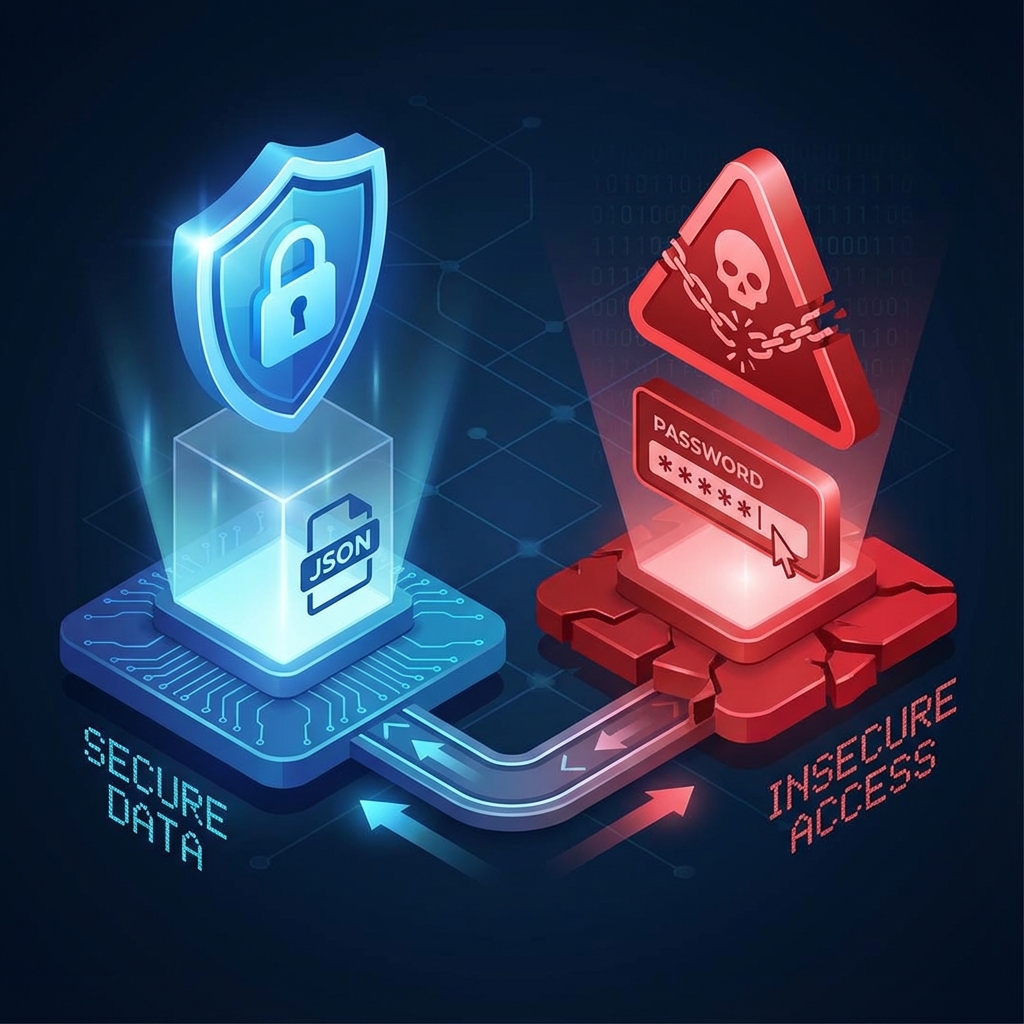
100% Safe Analysis

Local processing in your browser. Your data never leaves your device. Zero risk of hacking.

No Password Required

No sharing credentials = no risk of suspension. Instagram cannot detect this tool.

100% Free Tool

No hidden fees, no limits, no premium version. Unlimited analysis forever.

Instant Results

Results in seconds. No waiting, no slow servers. Everything runs in your browser.

How to Download Your Instagram Data (Step by Step)

Follow these simple steps to download your followers.json and following.json files from Instagram officially and safely:

Go to Instagram Data Download
  1. Access your Instagram account from a web browser or the official app
  2. Go to Settings > Accounts Center > Your information and permissions > Download your information
  3. In 'Download or transfer information', click on 'Download some of your information'
  4. Select ONLY 'Followers and following' (uncheck everything else for a faster download)
  5. Choose JSON format and Date Range 'All time' to analyze completely
  6. Request the download (It usually takes only 5-10 minutes to receive the email with the link)
  7. Download the ZIP file and extract followers.json and following.json from the 'followers_and_following' folder
  8. Upload both files here and discover who doesn't follow you back instantly!

Instagram will send you an email when your data is ready. You can also access it directly from the download panel: https://www.instagram.com/download/request/

Safe Guide: Who Doesn't Follow Me on Instagram

Updated no-login method to detect unfollowers safely without risky third-party apps.

Read the full guide

Why Choose NomeSigueApp?

Unlike other tools that put your account at risk, we use Instagram's official data export. Your password is never needed, and your data never leaves your device.

Frequently Asked Questions

Is it safe to use this Instagram unfollower checker?
Yes, completely safe. The analysis runs locally in your browser. The JSON files you upload are never sent to any server. We don't ask for your password or account access, so it's impossible for your account to be hacked or suspended.
How long does Instagram take to send my data?
Instagram usually takes between a few minutes and 48 hours to prepare your data. You'll receive an email with a download link when it's ready. For accounts with many followers, it may take longer.
Where do I find the followers.json and following.json files?
After downloading and extracting the ZIP file from Instagram, look in the 'connections' folder, then in 'followers_and_following'. There you'll find the required JSON files.
Can I use this tool on my phone?
Yes! It works perfectly on mobile devices through your browser. Download your Instagram data, save the JSON files to your phone, and upload them here.
Why is this safer than apps that ask for my password?
Instagram suspends third-party apps that access its API without authorization. Apps that ask for your password risk getting your account permanently blocked. Our tool is safe because we never access your account - we only analyze files you download yourself.
Can my Instagram account be blocked for using this?
No, it's impossible. We only work with JSON files you officially download from Instagram. There is no interaction with the platform. Instagram doesn't even know you're using this tool.
How often should I check my unfollowers?
We recommend once a month, or every 2 weeks for influencers or businesses. Remember that losing some followers is normal - focus on creating quality content.
Does this work for business and creator accounts?
Yes, it works for all account types: personal, business, creator, or influencer, regardless of follower count. Our system handles data efficiently even with millions of followers.
Can I recover followers who unfollowed me?
You can try to reconnect, but we don't recommend sending bulk messages or repeatedly following/unfollowing. Focus on improving your content and engaging authentically with your audience.
Is this tool really free?
Completely free with no tricks. No premium versions, hidden payments, subscriptions, or usage limits. We're supported by advertising to keep the service free for everyone.

Latest Articles about Instagram

What 500,000+ users say

"Perfect tool, helped me clean my account of people who didn't follow me back. Best of all was not having to give my password. 100% recommended."

★★★★★
John Doe

"Simple, fast and I loved the privacy. Finally I can see my unfollowers without fear of being banned. I use it every month."

★★★★★
Sarah Smith

"I was surprised to see how many people had unfollowed me. Very useful and works great on both mobile and PC. The best unfollowers app I've tried."

★★★★★
Mike Wilson

"Finally I can know who doesn't follow back without risk to my account. Best tool I've tried! Works exactly as promised."

★★★★★
David Brown

"I've been looking for an app like this for years. Safe, fast and without complications. Perfect for keeping my Instagram clean! Recommended to all my influencer friends."

★★★★★
Emma Davis