
Who Unfollowed Me on Instagram? Free, No Password (2026)
See exactly who unfollowed you on Instagram using the official data export — free, no password, zero ban risk. Full 2026 step-by-step method inside.

Honest 2026 comparison of unfollower apps: username checkers, login trackers and local analyzers. Find the free, exact option that cannot get you banned.
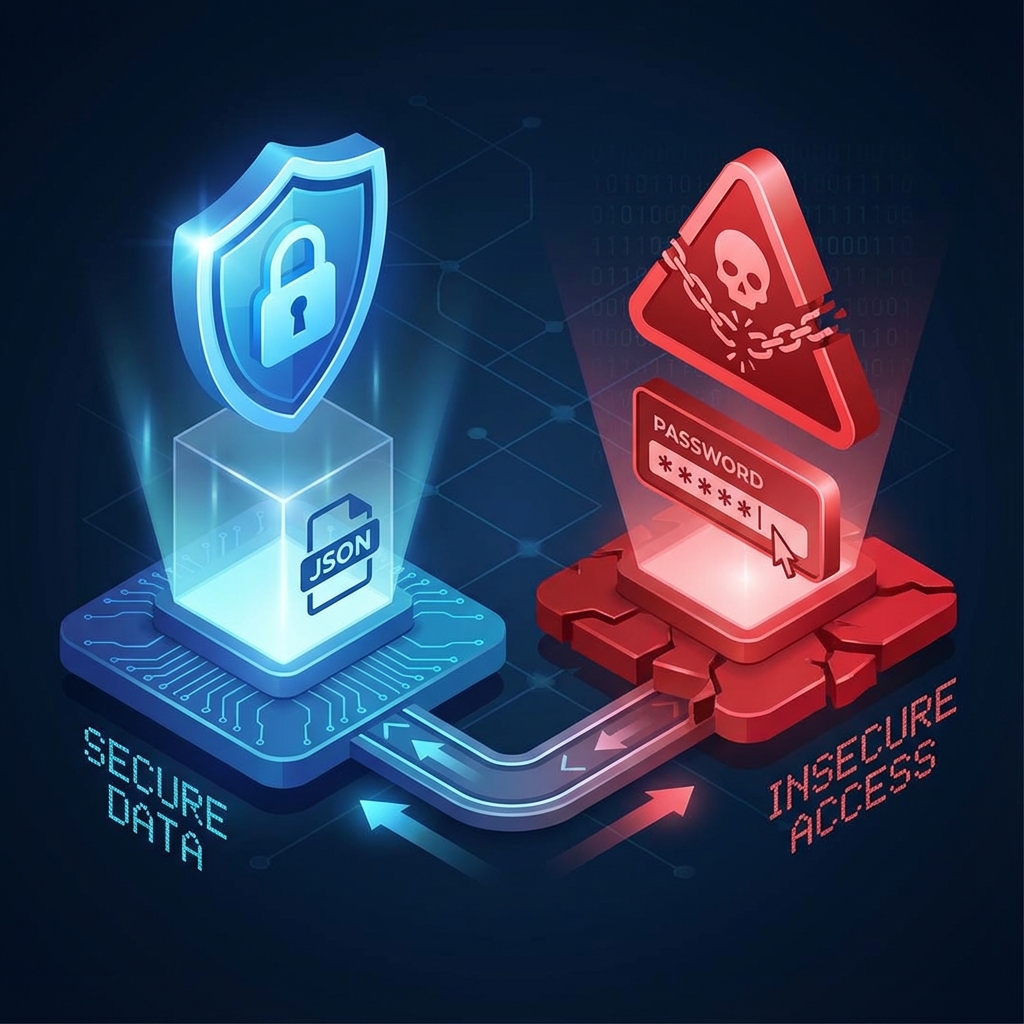
If you want the short answer: the best app to see who unfollowed me on Instagram in 2026 isn't really an app at all — it's a local analyzer that reads Instagram's own data export, because that's the only method that is free, exact, and impossible to get banned for. That said, username-based checkers and login-based trackers each win in specific scenarios, and pretending otherwise wouldn't help you choose. Here's an honest breakdown of all three categories, including where the "safe" options fall short.
Every tool that promises to reveal unfollowers falls into one of three categories, and knowing which category you're looking at tells you almost everything about its risks and accuracy:
Let's take each in turn — real advantages included, because none of these categories is useless.
These web tools became popular because they solve the scariest problem first: you never hand over your password. You enter a username — yours or anyone else's — and they pull whatever Instagram's public pages reveal about that profile.
What they genuinely do well:
Where they fall short:
Verdict: fine for a quick, rough look at a public account, especially one you don't control. Not adequate if you want an exact, complete answer about your own audience.
Search "unfollowers" in any app store and you'll find dozens of apps asking you to sign in with your Instagram credentials. To be fair, the user experience is the smoothest of the three categories:
The problem is what makes that convenience possible: handing your password, or an active session token, to a third-party server. Instagram's Terms of Use prohibit accessing the platform through unofficial automated means, and Meta has repeatedly acted against this ecosystem — blocking the apps themselves and restricting accounts that used them. We covered one of these enforcement waves in detail in our report on Instagram suspending tracking apps. Typical consequences range from forced password resets and temporary action blocks to suspension for repeat behavior.
There's a second, quieter risk: you have no way to verify what the company behind the app does with your credentials or your data. Even a well-intentioned developer can suffer a breach, and your password is sitting on their servers when it happens.
Verdict: the convenience is real, but you're trading your account's safety for it. In 2026, with Instagram actively flagging third-party session activity, that's a bad trade for most people.
The third category flips the model. Instead of a service fetching your data, you fetch your own data from Instagram — using the official download feature every account has — and the analyzer just does the comparison.
NomeSigueApp works this way. You request your "Followers and following" export from Instagram, drop the ZIP (or the JSON files inside it) into the page, and it cross-references both lists in your browser. Three things make this approach structurally different:
It's also free, with no premium tier gating the actual answer.
The honest downsides:
Verdict: if the question is "who exactly unfollowed me, with complete data and no risk," this category wins outright. The trade-off is a little patience — not money, and not your account.
Here is the full process as Instagram structures it in 2026:
If any screen looks different on your device, the no-login unfollowers guide walks through the whole flow in more detail.
A local export analyzer. NomeSigueApp reads Instagram's official data export in your browser — no password, no upload — and the follower lists are complete rather than scraped. Username-based checkers like UnfollowersTrack and DolphinRadar also skip the password, but they only work on public profiles and frequently show partial lists.
No app that stores your Instagram credentials on its servers can honestly be called safe. Third-party automated access violates Instagram's Terms of Use, and Meta has suspended both tracking apps and accounts connected to them. If you've already used one, change your password and review your account's login activity.
It depends on account size: small accounts often receive the file within minutes, while very large accounts can wait up to around 48 hours. Requesting only "Followers and following" instead of your full information keeps the export as fast as possible.
No. Instagram doesn't publish unfollow history, so no tool can reconstruct it retroactively. Trackers only log unfollows from the moment you activate them, and export analyzers compare your current lists. If you want a history, save an export every few weeks and compare snapshots — the export method lets you do that for free.
See exactly who unfollowed you on Instagram using the official data export — free, no password, zero ban risk. Full 2026 step-by-step method inside.

See exactly who unfollowed you on Instagram using the official data export — free, no password, analyzed in your browser. The definitive 2026 guide.

Find out who doesn't follow you back on Instagram for free, without an app or password: 5 safe methods using the official data export, step by step.
Find out instantly and safely: no login, no password, and your data never leaves your browser.
Analyze Now