
Who Unfollowed Me on Instagram? Free, No Password (2026)
See exactly who unfollowed you on Instagram using the official data export — free, no password, zero ban risk. Full 2026 step-by-step method inside.
See exactly who unfollowed you on Instagram using the official data export — free, no password, analyzed in your browser. The definitive 2026 guide.
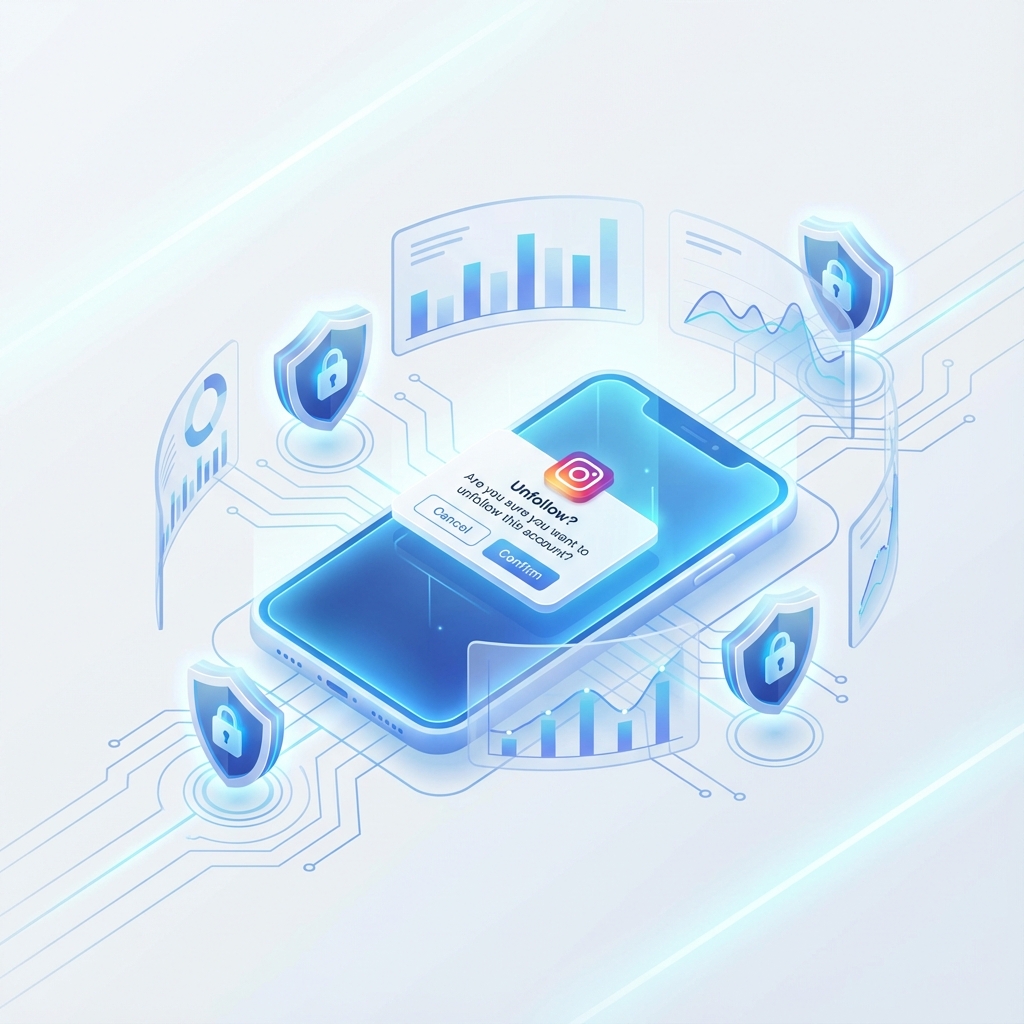
Instagram still has no button that shows who unfollowed you, and the third-party apps promising one usually want your password — which is exactly how accounts get suspended. The safe method in 2026 is different: download your official Instagram data export and compare your followers list against your following list, right in your browser. This guide covers the whole topic end to end: what unfollowers actually are, why they happen, how to detect them without risking your account, and what to do with the list once you have it.
An unfollower is anyone who stopped following you — or, in the broader sense most people mean when they search for it, anyone you follow who doesn't follow you back. Instagram shows you raw follower and following counts, but it deliberately hides the difference. There is no notification when someone leaves, no "unfollowed you" tab, and Meta's official API stopped exposing follower relationships to third-party developers years ago.
That design choice created an entire industry of "unfollower tracker" apps. A few are built responsibly; many are the fastest route to a locked account. The difference comes down to one question: does the app ask for your Instagram password? We'll come back to that, because it is the single most important safety rule in this guide.
It also helps to separate three things people lump together as "unfollowers":
Before you take a wave of unfollows personally, know the usual causes. Almost every unfollow falls into one of these buckets:
The takeaway: an unfollowers list is a diagnostic tool, not a scoreboard. You are looking for patterns — one topic, one week, one type of account — not judging individuals.
Instagram already gives you everything required: the official data export includes your complete follower and following lists as structured JSON files. Comparing them reveals exactly who doesn't follow you back, with zero third-party access to your account.
Here is the full process as of July 2026:
You could open those two files and compare them by hand, and for a tiny account that works. For anything beyond a few hundred follows, it's miserable. That is what browser-based analyzers exist for: you drop the ZIP into a free tool like NomeSigueApp and it computes the difference instantly — who doesn't follow you back, who you don't follow back, and your full lists.
The detail that matters is *where* the analysis happens: in your browser, on your device. The files are never uploaded to any server, the tool never asks for a login or password, and Instagram never sees an unfamiliar connection to your account. Because everything runs on Instagram's own official export, there is nothing for Meta's anti-spam systems to detect, flag, or ban. If you want the complete walkthrough of this method, follow the step-by-step no-login guide.
This is the part most unfollower articles skip, and it's the part that protects you.
Mistake 1: Giving a third-party app your password. Any app that asks you to "log in with Instagram" using your real credentials then automates actions on your behalf — which violates Instagram's Terms of Use. Meta's systems detect these logins through unfamiliar devices, datacenter IP addresses, and scripted request patterns, and they respond with escalating penalties: warnings, action blocks, forced password resets, and suspensions. Password apps are also a phishing risk in the most literal sense — you are handing your credentials to an unknown company. If you're evaluating a specific tool, our safety comparison of unfollower apps sorts the market by exactly this criterion.
Mistake 2: Mass unfollowing in one sitting. Once people get their not-following-back list, the instinct is to purge everyone immediately. Instagram rate-limits follow and unfollow actions, and burning through hundreds of unfollows in an hour looks like bot behavior even when a human does it manually. Spread any cleanup across days or weeks, in small batches.
Mistake 3: Checking obsessively. Requesting a fresh export every day tells you nothing useful — healthy accounts gain and lose followers constantly. Once a month, or after a significant content change, is plenty.
Mistake 4: Confusing correlation with cause. Ten unfollows on the day you posted something does not mean the post caused them (remember follow/unfollow churn). Look for a sustained pattern across two or three exports before changing your strategy over it.
Mistake 5: Trusting "who viewed your profile" apps. Instagram does not expose profile-view data for personal accounts at all. Any app claiming to reveal your "stalkers" is fabricating results — and usually harvesting your password while it does.
Finding out who doesn't follow you back is step one. What you do next determines whether the exercise was worth anything:
Safe options exist, but "safe" has a precise definition: no password, no login, no file upload. Tools that analyze your official Instagram data export locally in the browser — NomeSigueApp works this way — never touch your account, so there is nothing for Instagram to detect or penalize. Any app that requires your credentials is unsafe by design, no matter how good its store reviews look.
Yes. Request your data export from the Accounts Center (Your information and permissions → Download your information), select "Followers and following" in JSON format, then compare followers_1.json against following.json — by hand or with a browser-based analyzer. Your password never leaves you at any point.
No. Instagram sends no notification for unfollows. The other person could only find out by manually checking their followers list or by running an export comparison like the one described in this guide.
The usual suspects are follow/unfollow churn, Meta removing bot and spam accounts, and people deactivating their profiles. A one-off dip is normal background noise; only investigate if the decline is sustained across weeks and lines up with a specific change you made.
See exactly who unfollowed you on Instagram using the official data export — free, no password, zero ban risk. Full 2026 step-by-step method inside.
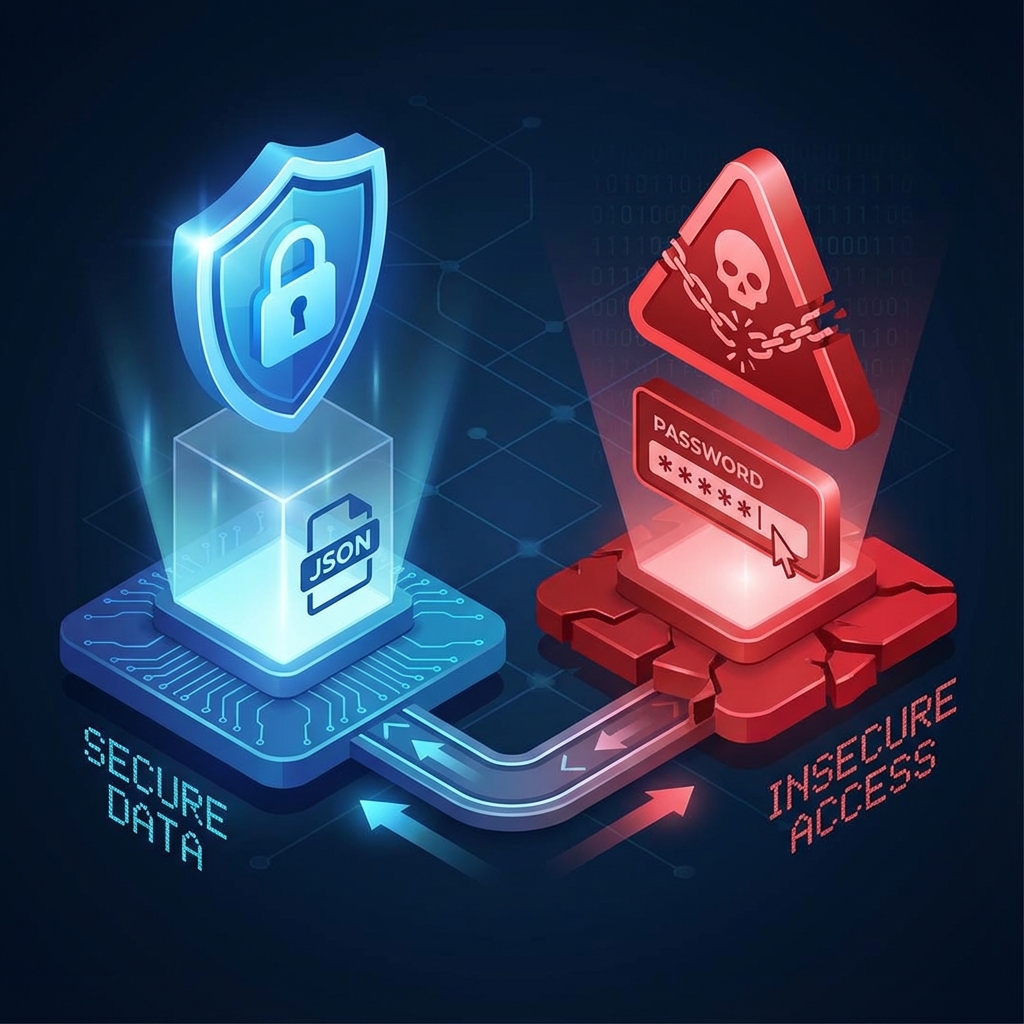
Honest 2026 comparison of unfollower apps: username checkers, login trackers and local analyzers. Find the free, exact option that cannot get you banned.
Find out who doesn't follow you back on Instagram for free, without an app or password: 5 safe methods using the official data export, step by step.
Find out instantly and safely: no login, no password, and your data never leaves your browser.
Analyze Now