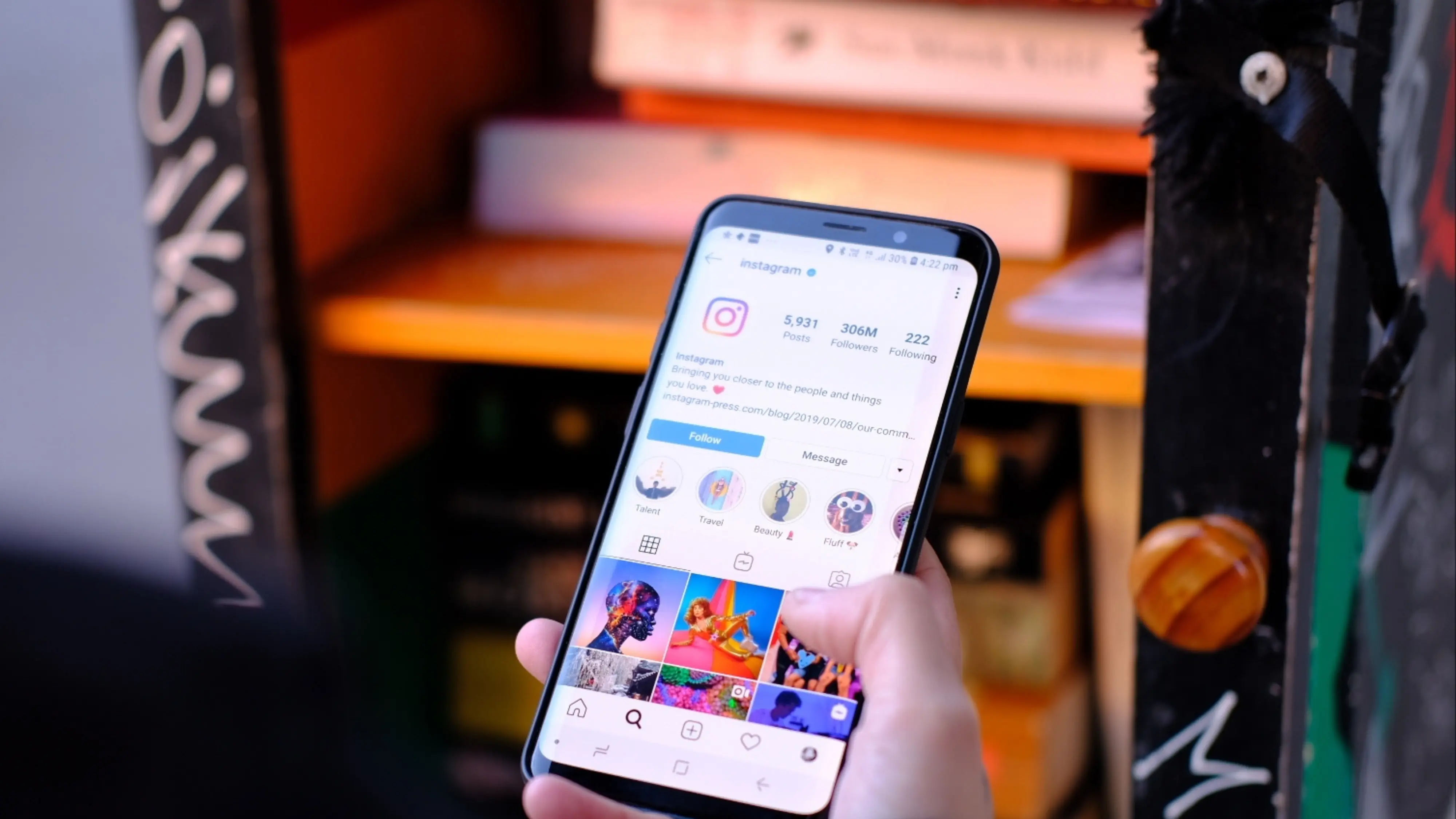
Discovering who has unfollowed you on Instagram has become an obsession for many, but also a security risk. In 2025, Instagram has tightened its policies against third-party apps, making using the typical 'unfollowers app' the fast track to losing your account.
However, the question 'who doesn't follow me on instagram?' remains one of the most searched. That's why we've compiled the only 5 methods that still work and are 100% safe.
1. The JSON File Method (The Only 100% Safe Way)
This is the method used by NomeSigueApp.com and is the only one implicitly approved by Instagram, as you use your own data.
- Request your backup from Instagram (Settings > Your activity > Download your information).
- Download the ZIP file they send you.
- Upload the `followers_1.json` and `following.json` files to our secure tool.
- The analysis happens in your browser. Your data never leaves your device.
2. Manual Check (For small accounts)
If you have fewer than 500 followers, the fastest way is to look manually.
- Go to the suspect's profile.
- Tap on 'Following'.
- Search for your name in the search bar.
- If you don't appear, they don't follow you.
3. The 'Close Friends' List Technique
A psychological trick: post a story to 'Close Friends' and add people you suspect have unfollowed you. If you add them and then see they never view the story, they might have muted or unfollowed you (though it's not definitive).
4. 'Community Management' Apps (Paid ones)
Professional tools like Hootsuite or Sprout Social sometimes offer follower loss metrics, but usually don't give specific names for privacy reasons. They are safe because they use the official business API, but they are expensive.
5. The Risk of 'Free' App Store Apps
> [!WARNING] > WARNING! Avoid any app that asks for your Instagram password.
[!WARNING]Most free apps (like 'Unfollowers for Instagram', 'Followers Track', etc.) work by hacking Instagram's private API. By using them:
WARNING! Avoid any app that asks for your Instagram password.
- You give your password to strangers.
- Instagram detects a suspicious login.
- Your account can be temporarily or permanently blocked.
Conclusion
It's not worth losing your account to know who unfollowed you. Use the JSON data method with NomeSigueApp: it's free, private, and the only way to sleep soundly knowing your account is safe.